42 venn diagram powerpoint templates
60 Amazing Venn Diagram PowerPoint Templates (Guide and ... The Venn Diagram PowerPoint (PPT) Template offers 60 elegant and flexible slides that allow you to freely add your ideas and content. These slides feature a variety of diagrams with innovative and vibrant designs. If you don't like their colors, you can create and apply your own color theme seamlessly. How to Make a Venn Diagram in Excel | Lucidchart There are two main ways to build a Venn diagram in Lucidchart. You can either place circles on the canvas to build it manually or you can make use of one of our awesome templates. To Add Shapes. Ensure that you have the Venn diagram shape libraries open by clicking the “+ Shapes” button and checking the Venn diagram libraries.
What is a Venn Diagram | Lucidchart In the 1700s, Swiss mathematician Leonard Euler (pronounced Oy-ler) invented what came to be known as the Euler Diagram, the most direct forerunner of the Venn Diagram. In fact, John Venn referred to his own diagrams as Eulerian Circles, not Venn Diagrams. The term Venn Diagrams was first published by American philosopher Clarence Irving (C.I.) Lewis in his 1918 book, A …

Venn diagram powerpoint templates
Venn Diagram Templates | Editable Online or Download for Free Venn Diagram Template with 4-sets The template below is a 4-sets Venn diagram. If you don't like the oval shapes used, you can switch them with circles. Make changes to the template using Creately editor. Venn Diagram of Cholesterol vs Blood Pressure Interactive Venn PowerPoint Diagram Template ... Interactive Venn PowerPoint Diagrams are shown all possible intersections of the sets. An Interactive Venn diagram is an ideal tool for comparing ranges, usually allowing you to focus on extreme values or on the distribution of data. They are easy to read, easy to understand, and give a clear visual picture of the information. How to Create a Venn Diagram (Step by Step) - Nuts & Bolts ... Templates; Strategies & Opinions; MEMBERS. Login; PowerPoint Pro Membership; How to Create a Venn Diagram (Step by Step) Home » Articles » How to Create a Venn Diagram (Step by Step) In this tutorial, you’ll learn how to create a Venn diagram and format the overlapping pieces, using the Basic Venn Diagram template in Microsoft Office. This works in Microsoft …
Venn diagram powerpoint templates. Diagram Templates - Venngage Easily create helpful diagrams with Venngage's variety of business diagram templates. Quickly create impressive use case diagrams, tree diagrams, sitemaps and more to explain concepts to your audience effectively. Venngage has all the diagram templates you need! Venn Diagram Template Powerpoint | Venn Diagram The Definition and the Uses of Venn Diagram Venn Diagram Template Powerpoint - You have most likely seen or read about the Venn diagram in the past. Anyone who's attended Mathematics in particular Algebra and Probability, must be familiar with this image. The diagram is visual aid used to illustrate the relationship between two items. 125+ Free Timeline Templates Diagram for PowerPoint ... A timeline is one of the best ways to display chronology in a compact and understandable way. The slides represented in Timeline PowerPoint Template section are widely used to demonstrate the sequence of actions, the development of the company, events. Also, you can tell about the history of your company creation and the main stages of its development with the help of these … 9+ Ideas Venn Diagram Powerpoint Template - Repli Counts ... The Venn Diagram PowerPoint template. Create a Venn diagram. On the Insert tab in the Illustrations group click SmartArt. An example of the Illustrations group on the Insert tab in PowerPoint 2013. Click on the images to modify them online.
Powerpoint Venn Diagram Template | Venn Diagram The Definition and the Uses of Venn Diagram Powerpoint Venn Diagram Template - Most likely, you've been exposed to or encountered a Venn diagram earlier. Anyone who's attended Mathematics, especially Algebra and Probability, must have a good understanding of the Venn diagram. The diagram is visual aid that shows the relationship between two items. How to Make a Venn Diagram in PowerPoint If you're delivering a presentation involving the use of a Venn diagram, PowerPoint is your ideal medium of choice.It offers the SmartArt graphic option that contains the elements needed to create a Venn diagram; alternatively, you can consider using Venn diagram PowerPoint templates to create these visually captivating graphs. How to create a Venn diagram in PowerPoint - Microsoft ... Venn diagram (also called primary diagram, set diagram or logic diagram) is a diagram that shows all possible logical relations between a finite collection of different sets. PowerPoint (like Excel and Word) proposes several different predefined SmartArt shapes that you can use for creating Venn diagram, but they don't allow you to specify labels for set intersections. Free Venn Diagram Templates for Word, PowerPoint, PDF Edraw Max is a great Venn diagram software with a lot of ready-made and free Venn diagram templates which makes it easy for anyone to create professional Venn diagrams. In addition, Edraw Max can also convert all these templates into PowerPoint, PDF or Word files. Download and Try our Free Venn Diagram Templates in Edraw Max Free Download Buy Now
3 Circle Venn Diagram Template - Studying Diagrams We have several options to choose from including 23 and 4 circle Venn diagram templates to suit all your lesson plans. Download our 3 Circle Venn Diagram Powerpoint Template to identify relationships of three data types in a clear format. 4 Set Venn diagram template. Venn Diagram Free Powerpoint Template | Venn Diagram Venn Diagram Free Powerpoint Template - You have most likely been exposed to or encountered the Venn diagram earlier. Anyone who has attended Mathematics particularly Algebra and Probability, must be already familiar with this diagram. The diagram is visual tool used to illustrate the relationship between various items. Venn Diagram Free Powerpoint Presentation ... - PPTX Templates Our infographic designs FLow Chart and process flow charts designs templates are colorful with Venn Diagram PPT style. Moreover, Simple Data Flow Diagram PPT PowerPoint Design comes with a visually appealing theme. Importantly, all our templates are 100% editable and user can customize it as per their requirement. Fishbone / Ishikawa diagram for PowerPoint - Free Download ... Ishikawa diagram is a scheme shaped in the form of a fish skeleton. This is a quite useful and widely used tool for structural analysis of cause-effect relationships. Fishbone ishikawa diagram PowerPoint slides are the tools for graphic representation, which allow you to visually demonstrate the causes of specific events, phenomena, problems and the corresponding …
Editable 6 Circle Venn Diagram PowerPoint Template
Free Venn Diagrams for Google Slides and PowerPoint Venn Diagrams Templates Free Google Slides theme and PowerPoint template . Venn diagrams are useful if you want to show correlation between items or concepts. It’s like overlapping the elements that are related to each other. Our designs use mostly circles, but there are others who look like radial charts, others with gradient bubbles or others with arrows. The …

Venn diagram template - Powerpoint presentation slide templates
Venn Diagram Powerpoint Template Download - Diagram Sketch Venn Diagrams In Powerpoint Free Download Now Venn Diagram Powerpoint Slide Designs Powerpoint Free. Venn Diagram Powerpoint Templates Powerpoint Templates Presentation Templates Powerpoint. 3 Circle Powerpoint Diagram Presentationgo Circle Diagram Powerpoint Powerpoint Templates.
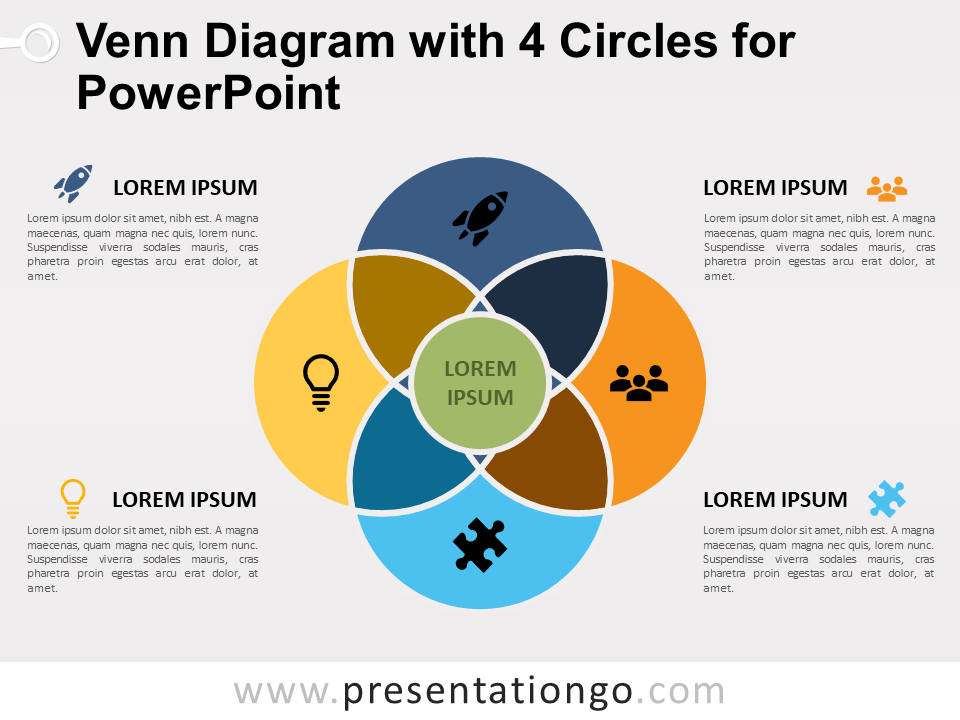
Venn Diagram with 4 Circles for PowerPoint - PresentationGO
How To Draw A Venn Diagram In Powerpoint - Studying Diagrams Open PowerPoint and navigate to the Insert tab. Click the arrow icon to open the Text pane or click. Start by choosing the SmartArt icon so you can choose the Venn diagram. In this short tutorial you will discover how to make a. Rotate your square 45 degree Right-click your square and select. Create a Venn diagram.
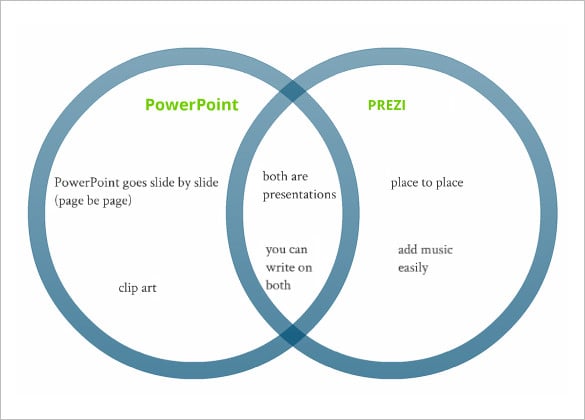
8+ Venn Diagram PowerPoint Templates - Free Sample, Example ...
Venn Diagrams - Free PowerPoint Templates Simple Set Diagram for PowerPoint is a free template that you can download with the classical Venn diagram design in the PPT presentation. This Venn Diagram template for PowerPoint contains two internal slide designs that you can use to make a Venn diagram for your presentations.
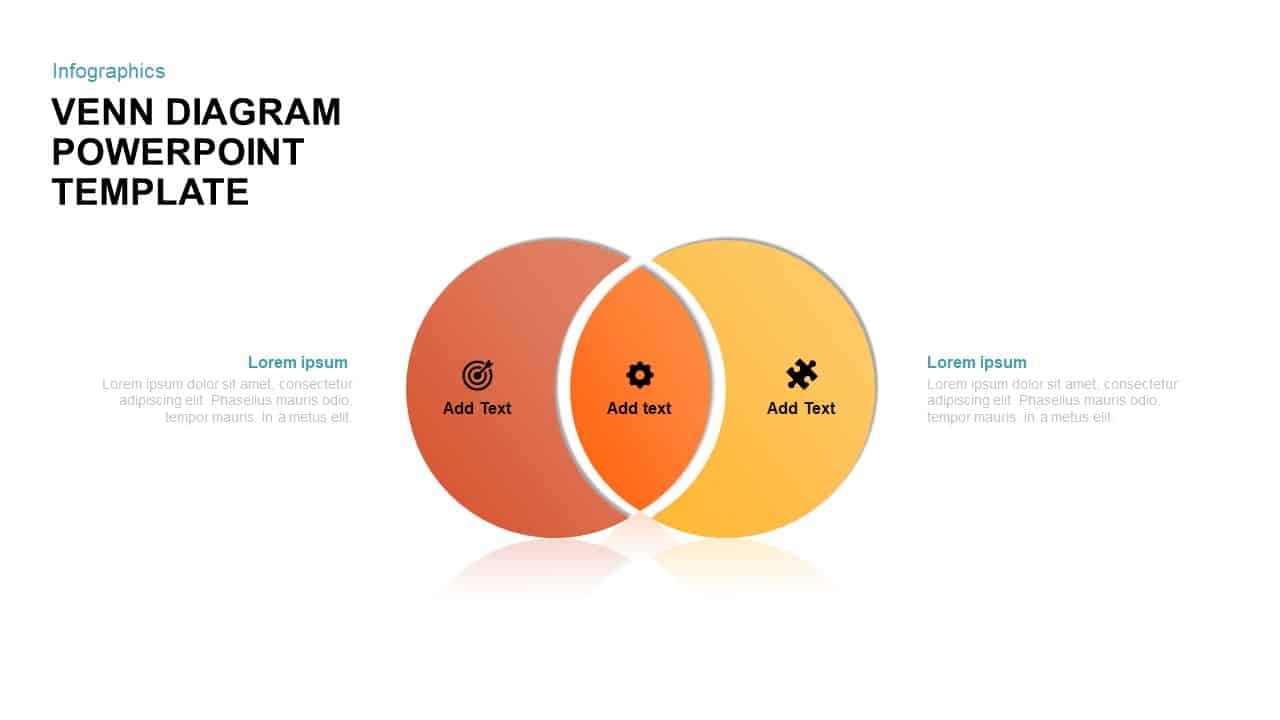
Venn Diagram PowerPoint Template & Keynote - Slidebazaar.com
Create Venn Diagrams in PowerPoint: 4 Types ... PowerPoint offers several versions of the Venn diagram. Here are all your options. We've used Microsoft's PowerPoint SmartArt graphics for all Venn diagrams: Go to Insert > SmartArt. 2. In the new window, select Relationship on the left side. 3. Click on the Venn diagram layout you would like to use to insert it on your slide. 4.

Playful Venn Diagram | Free PowerPoint Template
Venn Diagram Ideas For PowerPoint Presentations A Venn Diagram can become increasingly complex and become an infographic and the set up of the information; this is why a template like the 5 Hexagon Venn Diagram for PowerPoint is an excellent choice if you need to present a large number of interactions.

Venn Diagram Powerpoint Template Beautiful Venn Diagram ...
How To Create A Venn Diagram In Powerpoint - Studying Diagrams The 5 Hexagon Venn Diagram PowerPoint Template is an infographic presentation of overlapping processes. Need a Venn Diagram in PowerPoint. Powerpoint Venn Diagram Intersection Color. Here on the left. Start by choosing the SmartArt icon so you can choose the Venn diagram.

Venn-Diagramme | Google Slides & PowerPoint
Venn Diagram Template 4 Circles - Studying Diagrams Timeline templates PowerPoint is easy to access as Google Slide template for online presentation. Venn Diagram Template will create most used eight dynamic models for showcasing relations between sets. A venn diagram uses overlapping circles to show how different sets are related to each other.

Venn-Diagramme | Google Slides & PowerPoint
10+ Venn Diagram Worksheet Templates - PDF, DOC | Free ... With this diagram worksheet it is easy to set up to seven questions in an exam. Using a template like this simplifies the setting and answering exams. We have this here in PS, PPT, PDF, XPS and Word formats.-math-aids.com You may also see Venn Diagram PowerPoint Templates.
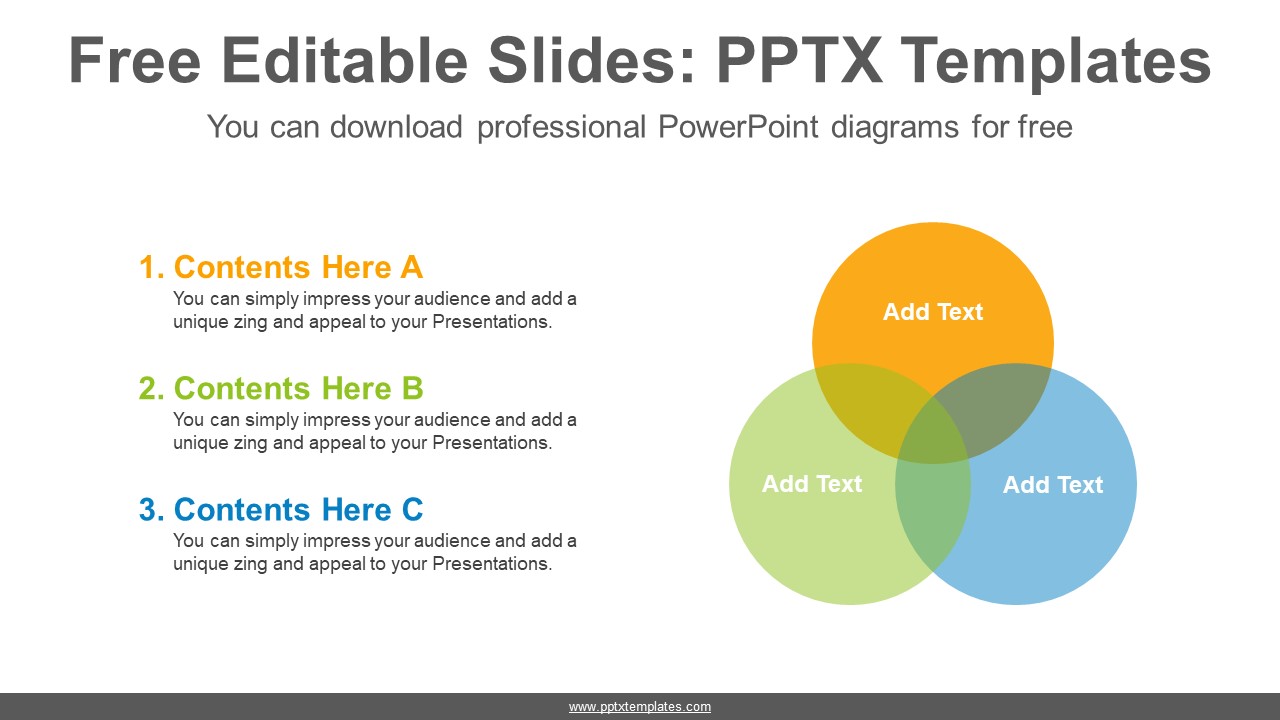
Download Free Venn Diagram PPT template
Free Venn Diagram Infographic PowerPoint Template & Google ... Finding an outstanding and wide array of templates in just a click is unusual. If you want an amazing template in a go, then this page is designed for you to extricate yourself from the daunting task of scrolling thousands of sites for the best free Venn diagram infographic PowerPoint templates & Google Slides.. Our Venn diagram PowerPoint template looks ravishing; that's surely going to wow ...

Venn Diagrams Relationship PPT Diagrams + Download Free +
PSlides - Professional PowerPoint Templates & Slides PSlides provides high quality Professional PowerPoint Templates. Over 25K PowerPoint Templates available for instant download.
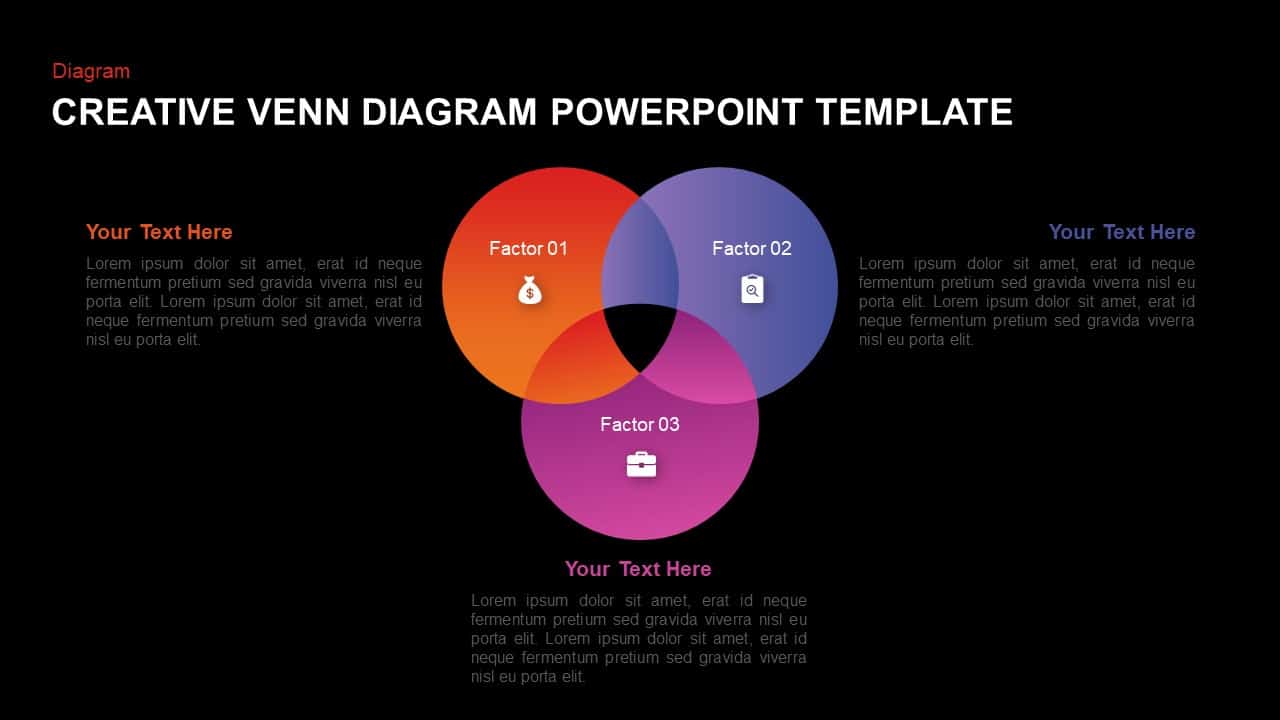
Creative Venn Diagram PowerPoint Template - Slidebazaar
PowerPoint Venn diagram Tutorial & Template (2022 ... Create a Venn Diagram Venn PowerPoint Template download Creating a Venn Diagram in PowerPoint In order to create the Venn diagram, you have to go to "SmartArt" in the "Insert" tab. Now you have to go to "Relationships", and you can pick out a Venn diagram layout. Afterwards you only have to click on "Ok". Deleting a shape

How to Create a Venn Diagram in PowerPoint | Lucidchart
How to Create a Venn Diagram (Step by Step) - Nuts & Bolts ... Templates; Strategies & Opinions; MEMBERS. Login; PowerPoint Pro Membership; How to Create a Venn Diagram (Step by Step) Home » Articles » How to Create a Venn Diagram (Step by Step) In this tutorial, you’ll learn how to create a Venn diagram and format the overlapping pieces, using the Basic Venn Diagram template in Microsoft Office. This works in Microsoft …

Venn diagram template PPT Microsoft - 🔥 Free Download Now!
Interactive Venn PowerPoint Diagram Template ... Interactive Venn PowerPoint Diagrams are shown all possible intersections of the sets. An Interactive Venn diagram is an ideal tool for comparing ranges, usually allowing you to focus on extreme values or on the distribution of data. They are easy to read, easy to understand, and give a clear visual picture of the information.
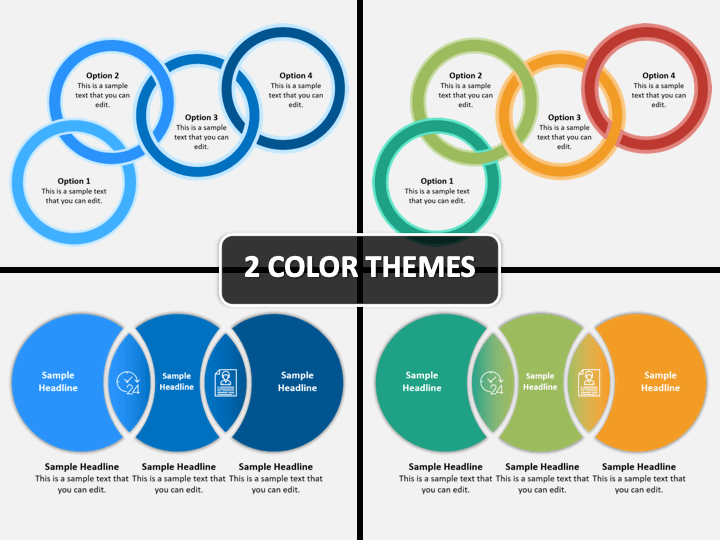
Linear Venn Diagram
Venn Diagram Templates | Editable Online or Download for Free Venn Diagram Template with 4-sets The template below is a 4-sets Venn diagram. If you don't like the oval shapes used, you can switch them with circles. Make changes to the template using Creately editor. Venn Diagram of Cholesterol vs Blood Pressure

Free Venn Diagrams Google Slides and PowerPoint Templates

Venn Diagram Free Powerpoint Template

2 Circle Venn Diagram Template Powerpoint Slide

Free Venn diagram PowerPoint template with four slides made ...

Venn Diagram | Free PowerPoint Template
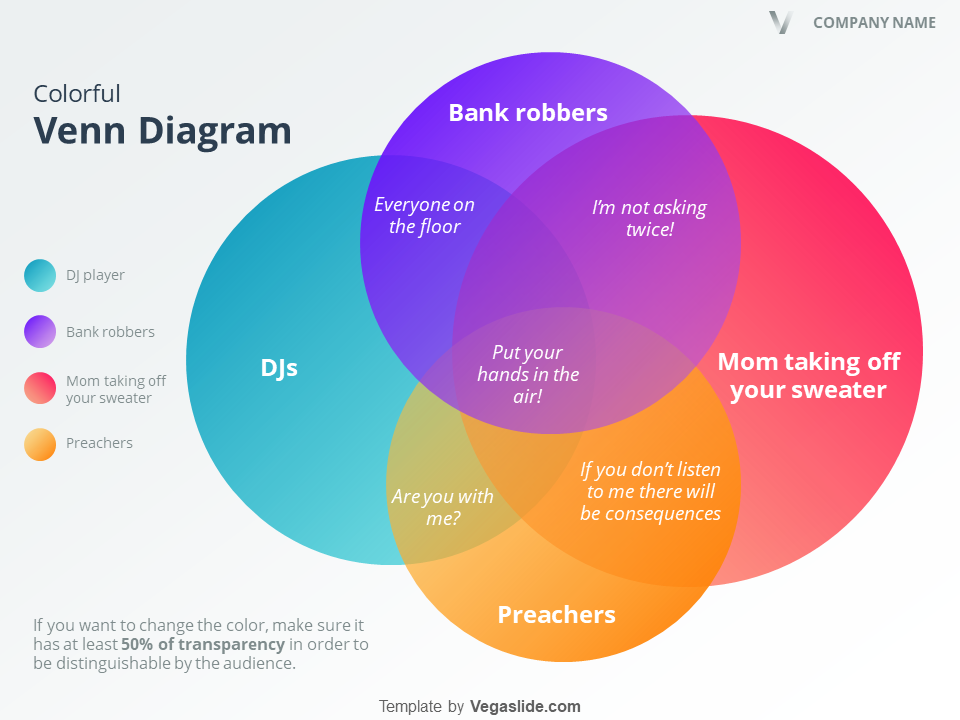
Colorful Venn Diagram Powerpoint Template (DOWNLOAD FREE) by ...

Venn Diagram PowerPoint PPT Template
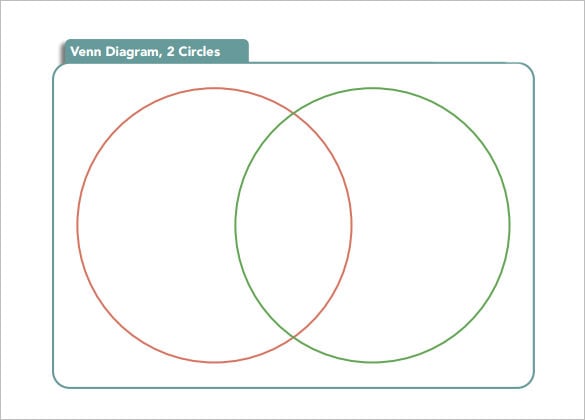
35+ Venn Diagram Templates - PDF, DOC, XlS, PPT | Free ...

Attractive Venn Diagram 3 Circles PowerPoint Template Slide
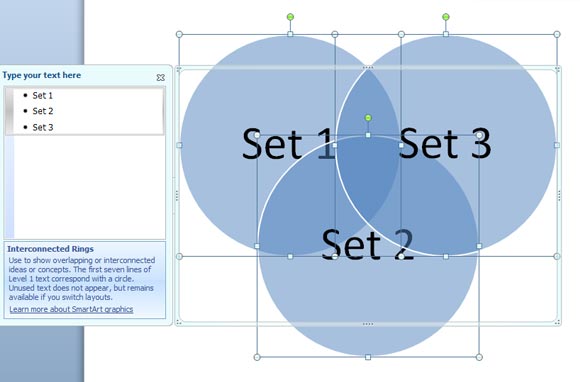
How to Create a Venn Diagram in PowerPoint 2010

Venn Diagram | Free PowerPoint Template

PowerPoint Backgrounds Venn Diagram Puzzle Ppt Template ...
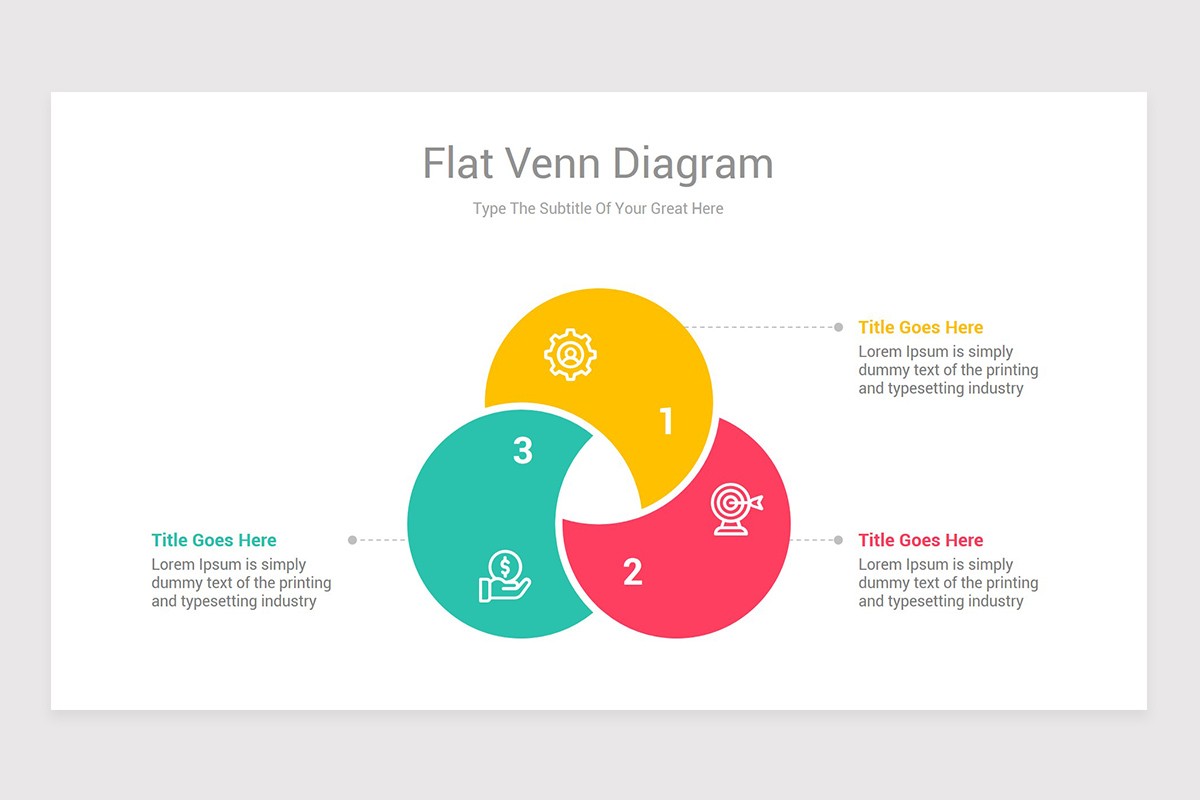
Venn Diagrams PowerPoint Designs Template | Nulivo Market

4 Circle Venn Diagram for PowerPoint - PSlides
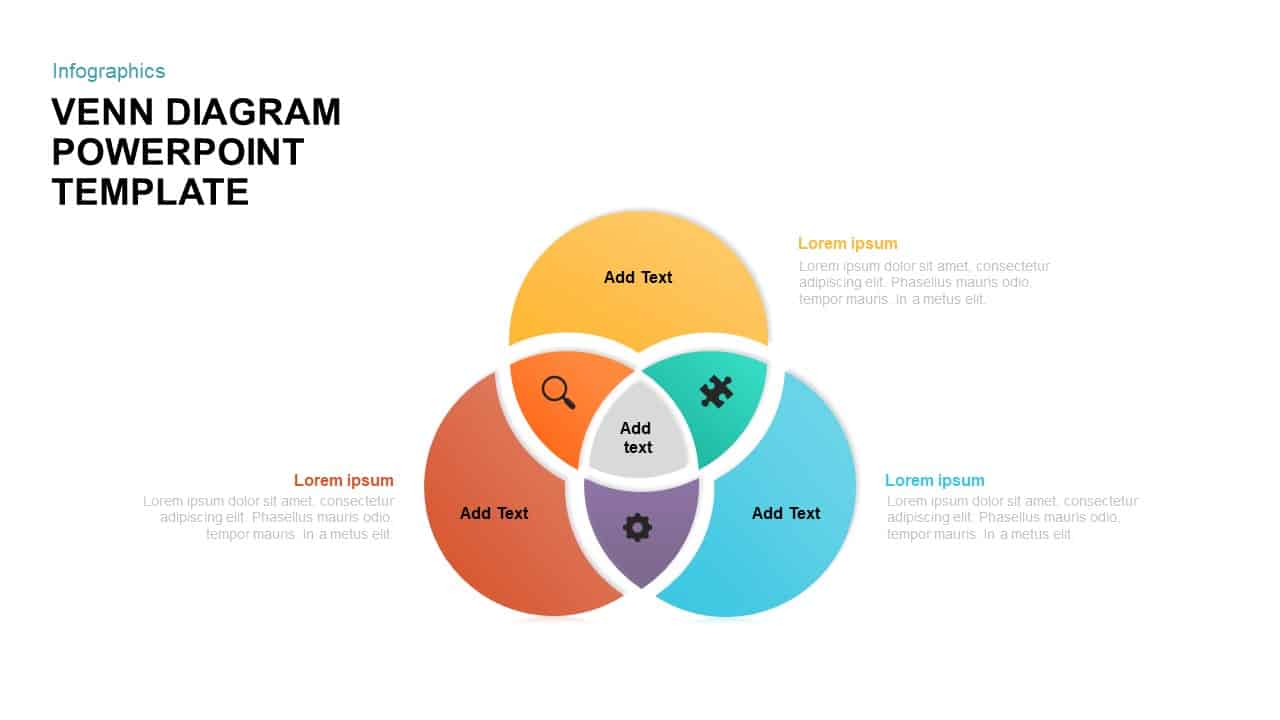
Venn Diagram PowerPoint Template & Keynote - Slidebazaar.com
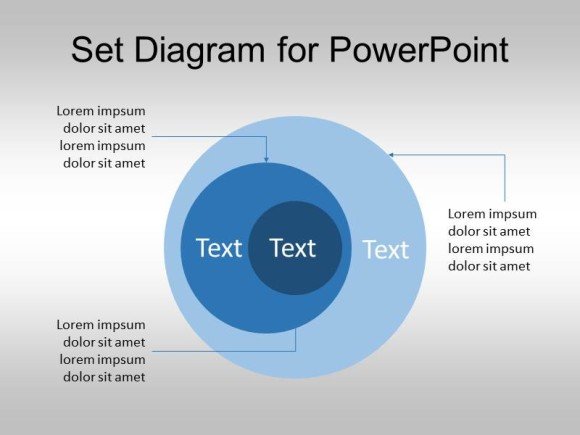
Free Set Diagram for PowerPoint (Venn Diagram Template)

Creative Venn Diagram Powerpoint Template Download
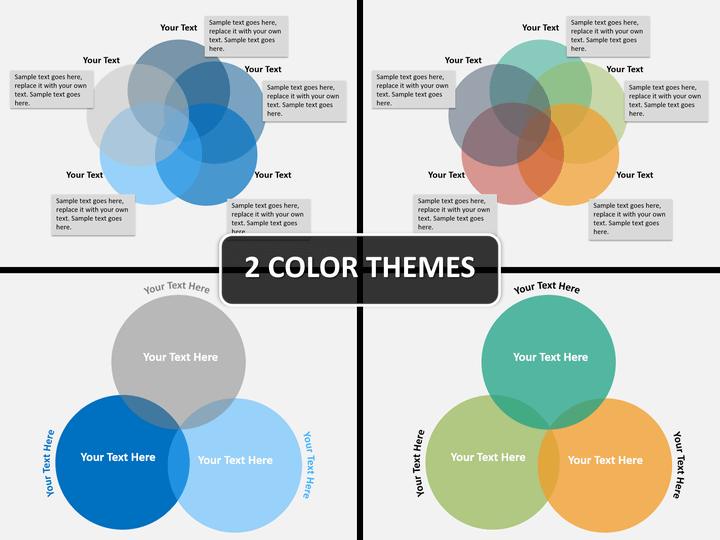
Venn Diagram

How to Create a Venn Diagram in PowerPoint
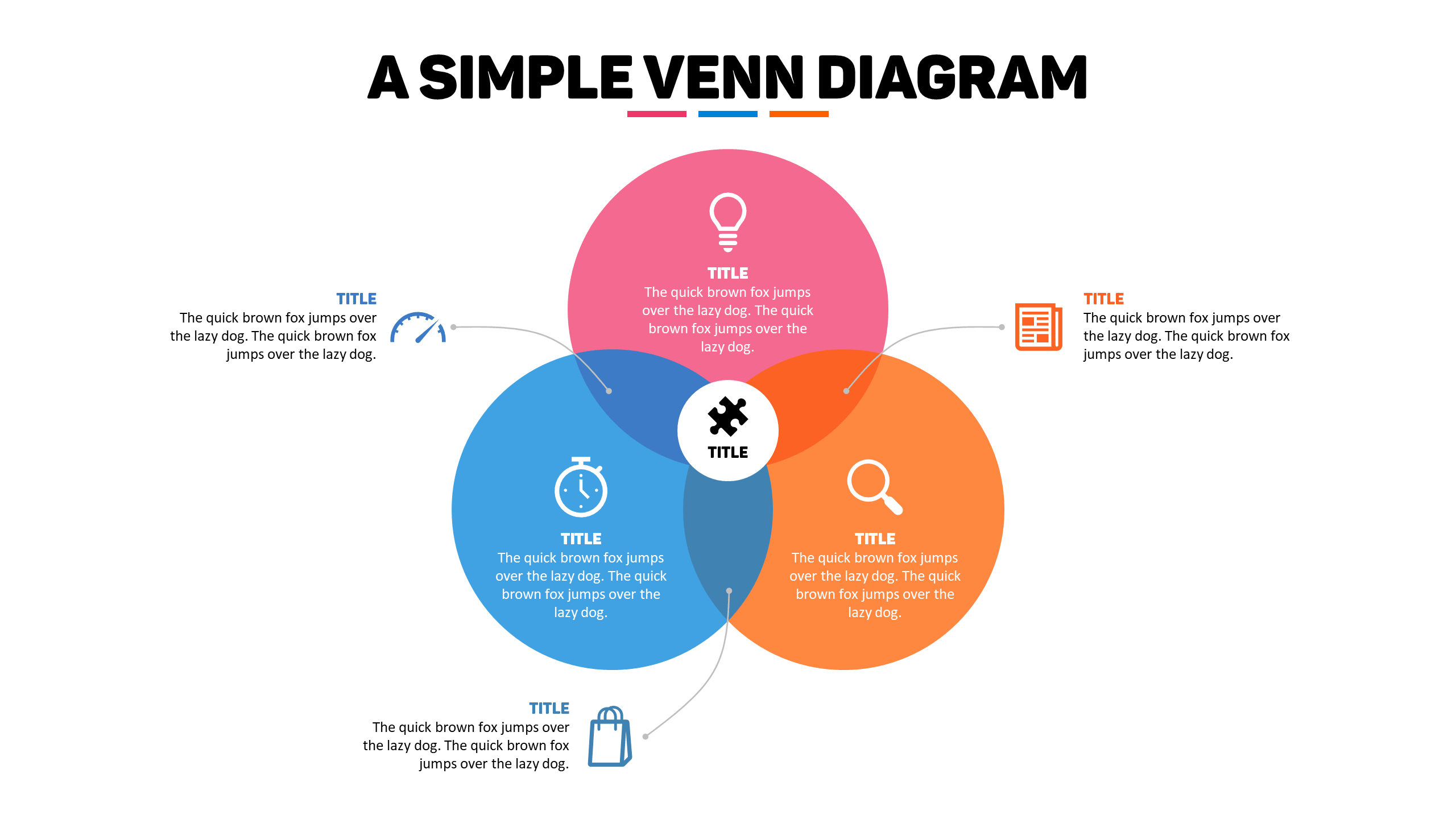
Here's How To Make a Stunning Venn Diagram in PowerPoint
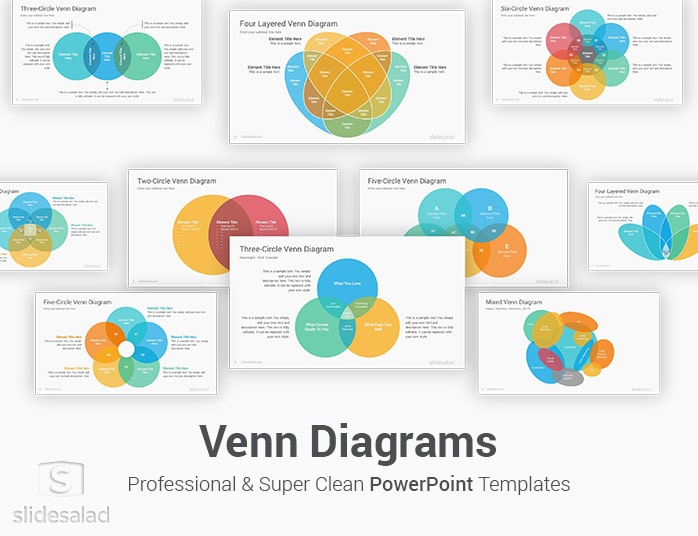
Venn Diagrams PowerPoint Presentation Template - SlideSalad
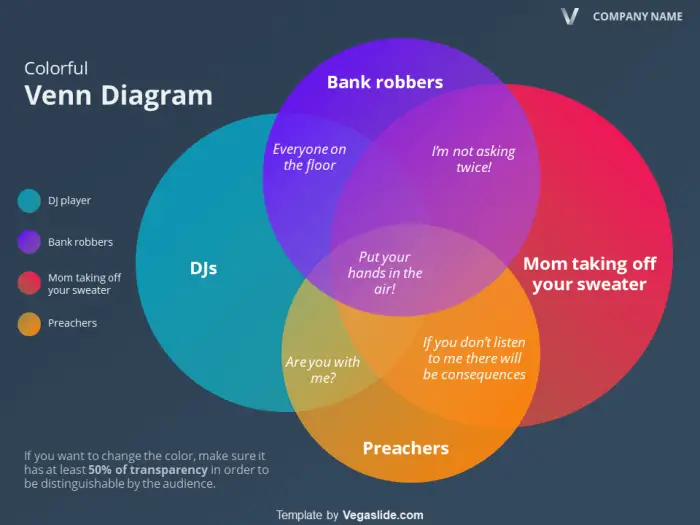
Colorful Venn Diagram PowerPoint Template - Vegaslide
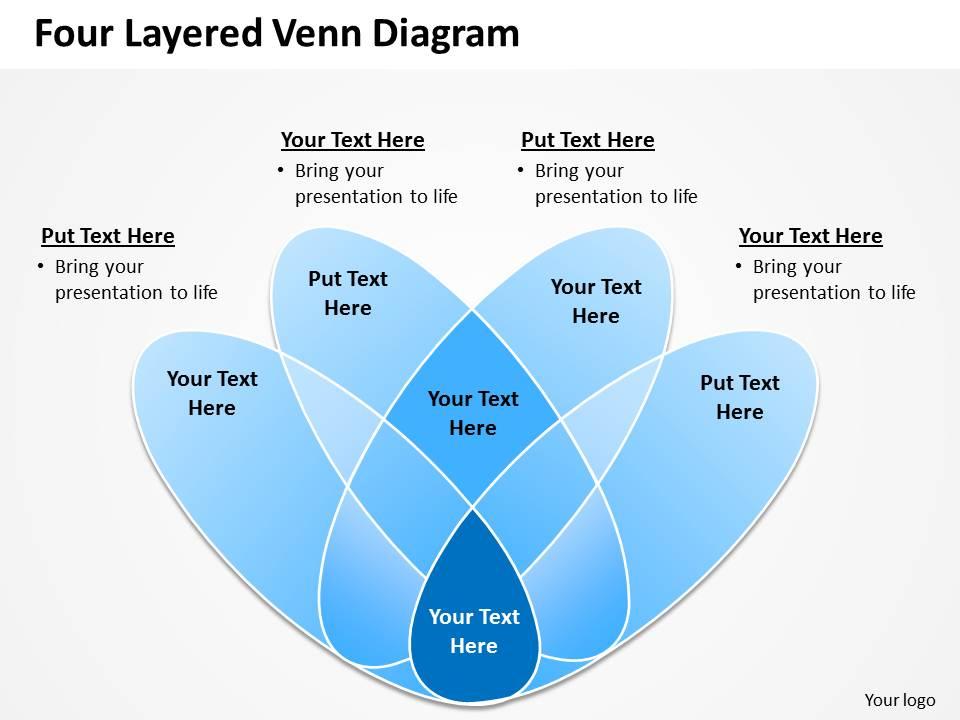
Four Layered Venn Diagram Powerpoint Slides Presentation ...
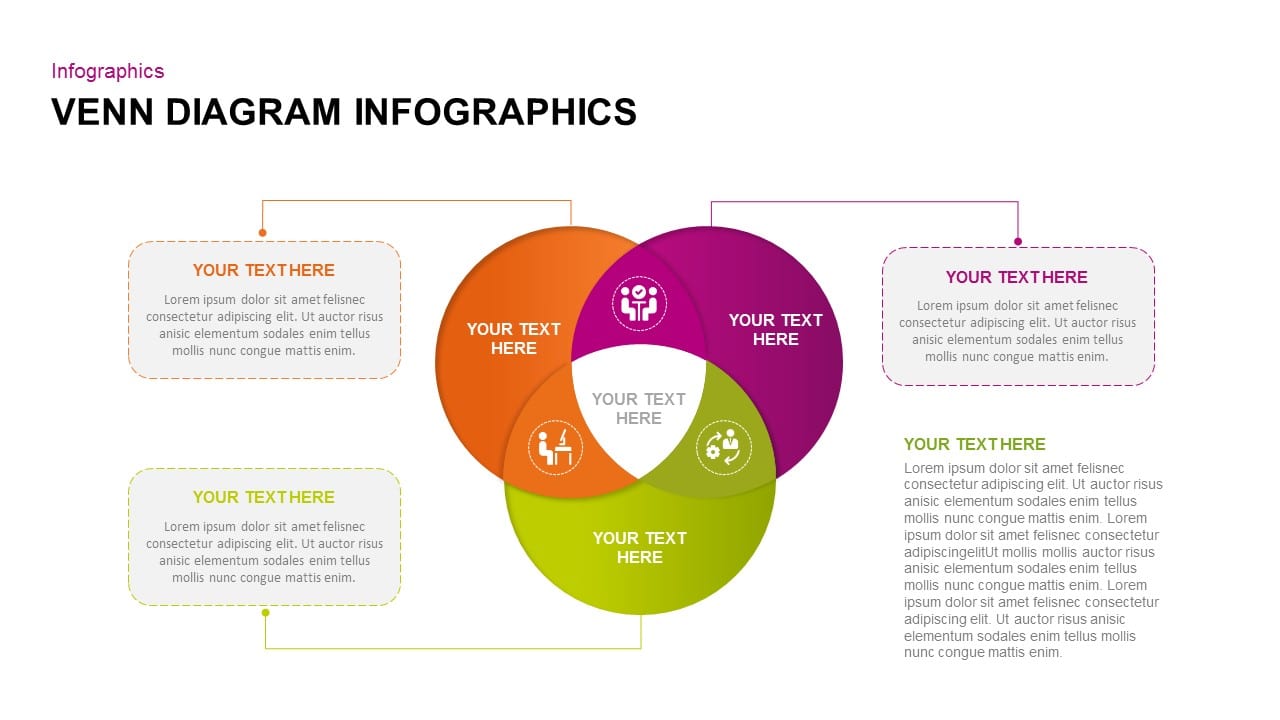
Free Venn Diagram Infographic PowerPoint Template & Google Slides

60 Amazing Venn Diagram PowerPoint Templates (Guide and Tools ...

16 Modern Venn Intersection Diagrams PowerPoint Template ...

Six Staged Circle Of Venn Diagram Powerpoint Slides ...


Comments
Post a Comment